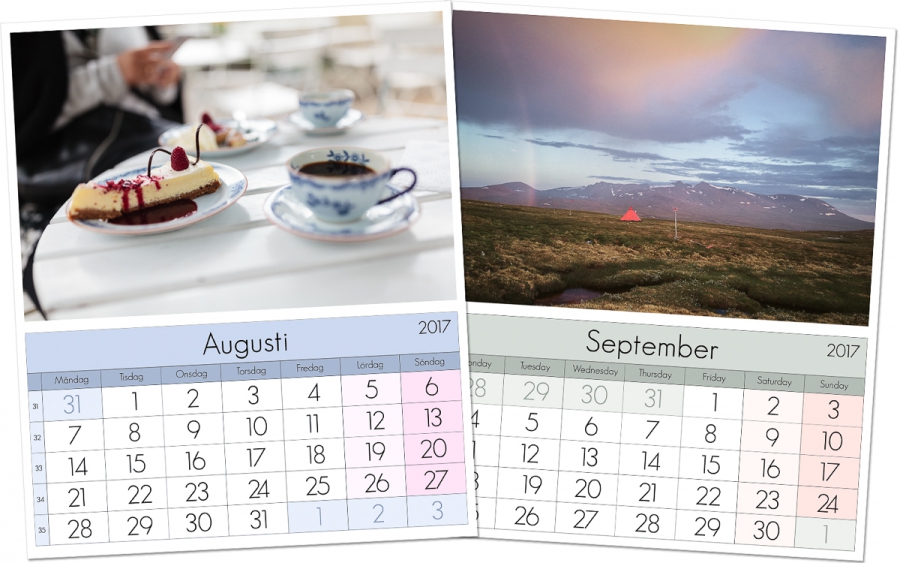
 I’ve received some questions if there is an easy way to change the colors of the calendar templates directly in Lightroom. It’s not possible to change the red tone of the holidays without using Photoshop and the layered templates. But Matt Kloskowski, who originally made me aware of Ed Weavers idea on the calendar templates, has made a great post on the templates.
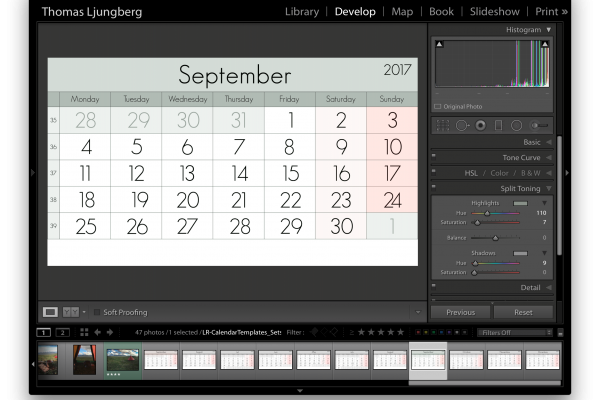
He has added an instruction video on how the templates and print presets are installed/added to Lightroom and used in the print module and in the end of that video he shows a way to give the whole calendar template a color tone that matches the image you are using, instead of just being gray.
It uses the split toning function in Lightroom and is easy to use to customize the template somewhat directly in Lightroom. It’s not perfect since it will affect the background color of the week end panels as well, but can be useful.